

Harvesting software and an orchard management system to see what your teams are doing in real time, track productivity and inventory, and manage pay and compliance, from any device.

Digital start/end times by activity or day, barcode and QR code scanning for fast, accurate recording.
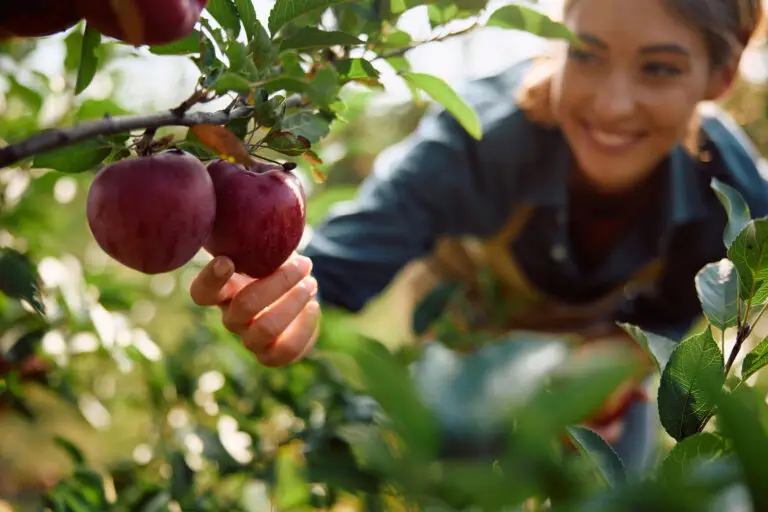
Harvesting software that shows pickers’ productivity live, cost per unit (tree, vine, hectare, kg), reconciliation tallies, visual maps showing harvest productivity.

Calculate piece rates, wages and bonuses, forecast overtime, calculate pay automatically, and meet PALM & RSE worker
scheme obligations.
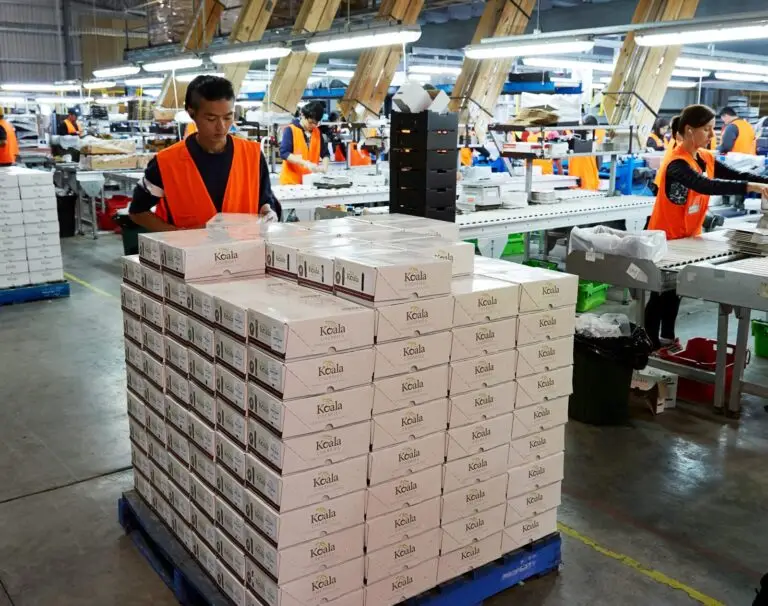
Track containers from field to despatch, print scannable
labels for easy tracking.
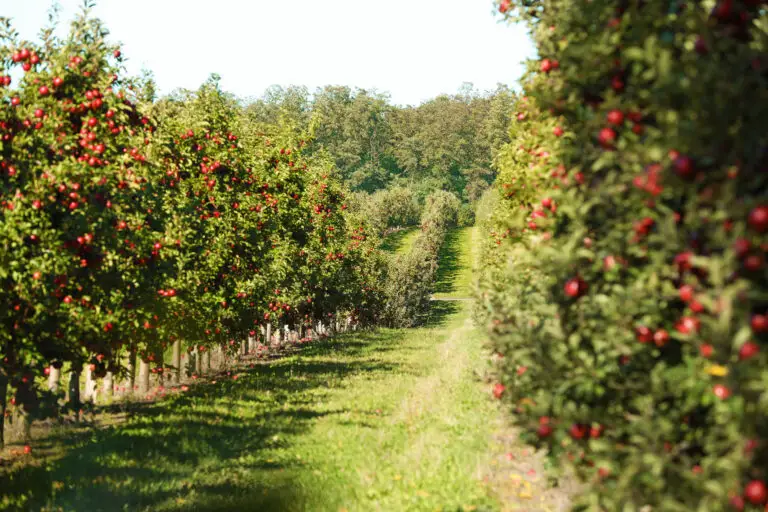
Flexible in-field quality observations and assessments.
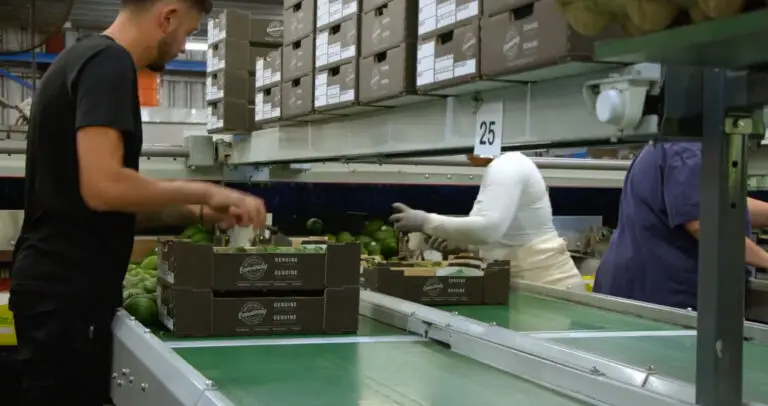
Digital sign-in for workers and visitors with GPS location, photos, and health & safety responses.

Export data to spreadsheets or analytics platforms (e.g. Power BI) for further insights.
Orchard management software with structured, supportive onboarding that helps your team get confident with your orchard management software quickly and effectively.
Be guided step-by-step through each part of the process with onboarding guides and practical online sessions tailored to your orchard.
With expert support, you’ll quickly get confident using the software, so ABCgrower works for your business from day one.
rfrf
Video tutorials and bulk upload tools help you configure your orchard management system your way.
Working closely with your key contacts using a train-the-trainer approach, practical online sessions build confidence and ensure your team knows exactly
what to expect.
Focused onboarding sessions guide your team through entering records, reviewing your data, managing pay, and generating reports, all tailored to your orchards needs.
ABCgrower is highly flexible, so you can set it up to fit your business, your processes and your produce. Video tutorials and bulk upload tools help you configure your orchard management system your way.
A comprehensive online help manual with an AI Assistant guides you whenever you need support.
Start with the modules relevant to your current season and get training on additional modules when required, so ABCgrower supports your operations from day one and grows with you.
A series of onboarding sessions are usually delivered over one month period, but some organisations are up and running within a week or two. You can start with the modules you need for the current season, then add more over time.
There is initial setup required to reflect your orchard, activities and business processes. We guide you through this step-by-step so it’s done properly and works for your business.
That’s common. The system is simple to use, and most teams pick it up quickly.
We also use a train-the-trainer approach so your key people can support others on the ground.
No. ABCgrower is designed for growers, not IT teams. We provide training, guides, and support to get you going. You’ll need someone in your organisation who understands both your business processes and how ABCgrower supports them.
This person acts as the main point of contact for setup, support, and any changes or enhancements, helping ensure the system best aligns with your operations.
That’s up to you. Supervisors often enter times and tasks for crews, while some workers, like spray operators may enter their own records. Office staff can review and approve everything.
Yes, if you want them to. There is an optional kiosk timeclock too for shared devices in places like packhouses.
ABCgrower supports barcode and QR code scanning so you can record information quickly and accurately. It can also read RFID tags (such as wristbands, cards, and bin tags).
You can keep working. The mobile app works offline, so you can record time, tasks, harvest, and quality data, then sync it when you’re back in coverage.
Yes. You can see productivity by individual or crew in real time.
Yes. If you operate across multiple orchards, you can view activity, productivity, and costs in one place.
Yes. ABCgrower tracks containers and produce through the entire workflow, from harvest through to despatch.
You can trace produce back to block, crew, and time of harvest, helping you respond quickly and accurately in the event of a recall or biosecurity issue.
Yes. You can use the recorded data to reconcile contractor invoices and manage labour hire teams alongside your own staff. Labour hire companies can use ABCgrower to manage timesheets and activities.
No. ABCgrower calculates the data you need for payroll, including piece rates, minimum wage top-ups, bonuses, and overtime. You then export this into your payroll system.
Yes. You can review, adjust, and approve pay calculations before exporting them to payroll.
You can report on productivity, costs, labour, and harvest data with flexible filters.
ABCgrower helps you meet labour obligations including the Australian Horticulture Award, and PALM and RSE requirements by keeping accurate, traceable records of time, work, and pay calculations. You can use it for traceability in the event of a biosecurity issue.
ABCgrower has comprehensive reporting (such as productivity, block costs, labour, and harvest data) with flexible search filters. You can also export data to Excel or connect it to your own business analytics tools for deeper analysis.
ABCgrower has an annual base fee and monthly usage fees based on the number of workers active each week. Optional modules are available at additional cost.
Costs depend on the size of your operation and the modules you use. Talk to us and we’ll give you a clear breakdown based on your business.
As many as you need. There is no per-user charge, and each user has their own login and permissions.
You can use phones (both Android and iPhone), scanners, tablets, laptops and desktop computers. We can recommend what works best for your setup and advise on barcode scanners, PDA’s, printers and weigh scales.
No. ABCgrower is designed to work with standard, off-the-shelf devices, and we’ll advise on compatibility. We do not sell hardware, and you are free to choose your
own suppliers.
Yes. ABCgrower integrates with our products in the ABC suite. You can export data into payroll and connect to reporting tools like Power BI. We can work with you on the best setup.
ABCgrower has an its own quality module for infield assessments. ABCquality is a dedicated quality management system for structured QA/QC, audits, and formal reporting. Talk to us about what would best suit your business.
Yes. We provide comprehensive support to help you get the most out of your software. This includes self-service help materials, onboarding support during implementation and access to our helpdesk. You can contact our team by email
or phone during business hours, with phone support available 24/7 for urgent issues. On-going support is chargeable.
ABCgrower is hosted in Microsoft Azure. We follow strict security practices to protect your data, and our policies are available for review.
ABCgrower is updated regularly and enhancements are delivered without disrupting your workflows. ABCgrower may be upgraded in response to legislative or market changes, or to improve usability or add new features.
Yes. While ABCgrower is already a comprehensive, flexible system we consider, and regularly review all enhancement requests, assessing them based on impact, alignment, and overall benefit to our clients.